No worries, House of Smith’s has a tutorial on how to add your email to your blogger profile. I did not realize how many people did not have their emails connected until I tried replying to comments and trying to contact giveaway winners. {Please} add your emails if you have not. I really want to be able to communicate with you! You leave me such fun comments and I go to reply back and get a {no reply}. Sadness.
Also, for giveaways, if you do not leave your email in the comments or have it linked to your profile I pick a new winner. I am lazy, if I cannot contact you, you cannot win.
So go, do it today. Then, next time you leave a comment I can chat with you instead of getting the “talk to the hand” reply. Let’s be friends.
P.S. Don’t forget to sign up for free Tipsy updates via RSS or email.
Can I add an AMEN??? PRETTY PLEASE!!!!!!!
Wow, I had NO idea how to do that! I always thought people just typed it in manually every time they left a comment! LOL! Thanks for all you do!
Oh, so agree! Ditto! AMEN!
Okay, enough flattery.
Blessings,
Lana @ ilovemy5kids
When I had the google fiasco a few months ago, my email somehow started not showing up when I left comments. Shelly was the one who let me know about it. Love her! I bet there are bloggers out there like me that didn’t even know about this. Glad you shared it again!
I had NO idea!! Thanks for sharing this wonderful tip. It seems so basic, but I never realized. Since you are offering advice, how do you grab a button from a blog? I’m really lost and technologically challenged!! That would be huge! I want to link up and have no idea how to do any of it!! =)
Thanks!
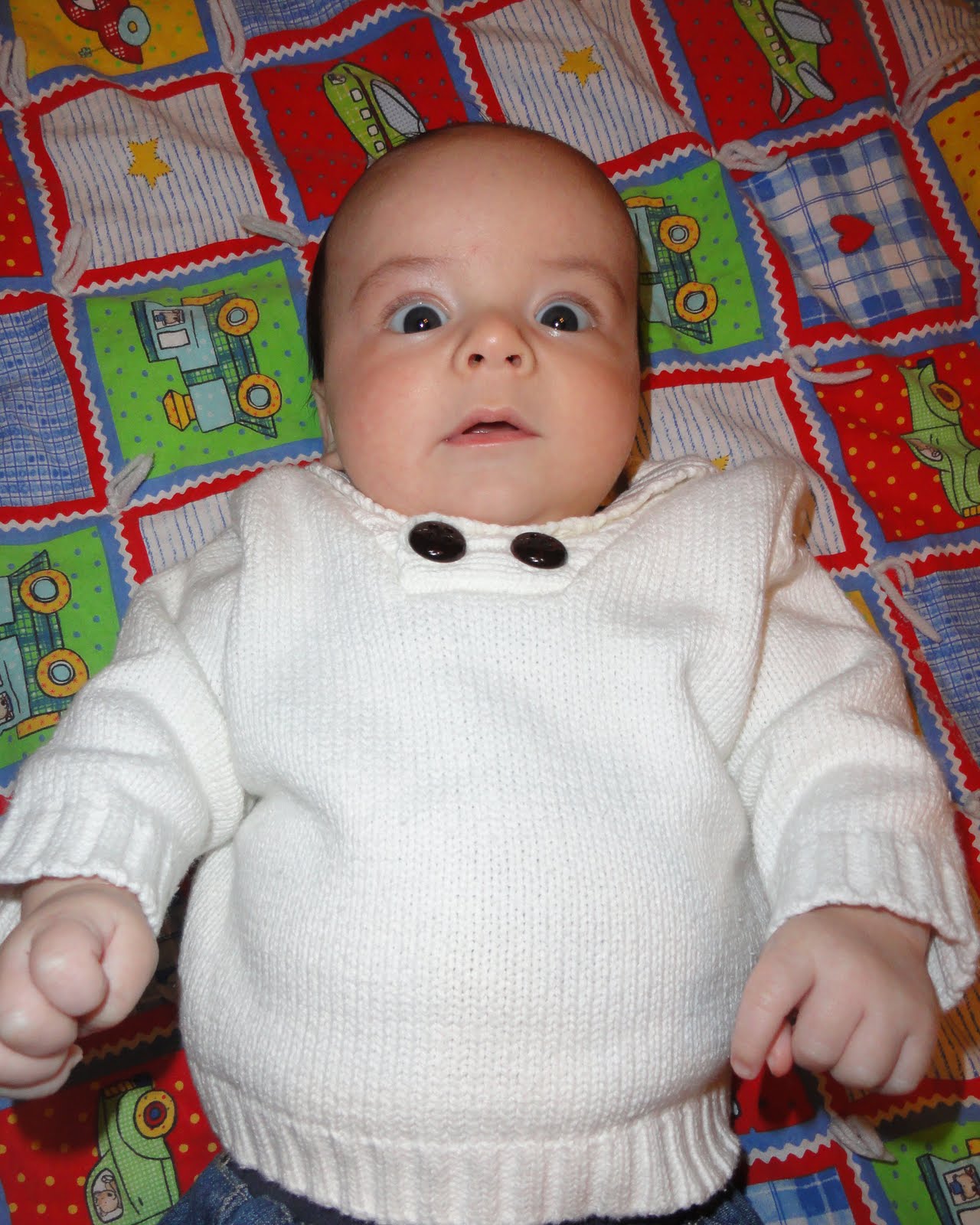
That is a HILARIOUS picture!
Darn… I was hoping that was going to say “Let me give you this really cute baby”.
Great tutorial share.