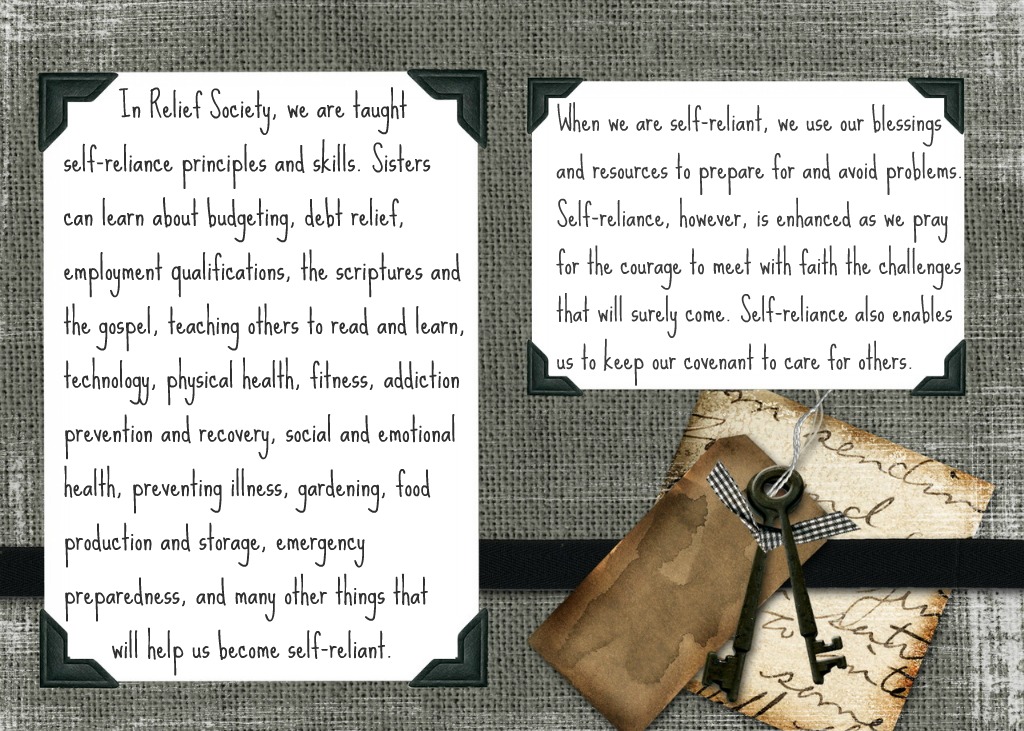
The August Visiting Teaching message is titled, “A Society of Holy Women.” It talks about our important duties to serve others, honor covenants, and watch over each other.
August Visiting Teaching Message Handout
August Visiting Teaching Message Handout

created using Picnik
Feel free to print and share with your sisters if you like.
———————————————————————————–
I have had a lot of people asking how to print the visiting teaching handouts. You can right click the image and copy. Then, you can paste it in to word and re-size and copy as necessary for how many you want on a page. You can also right click and save, then open with Windows Photo Gallery which allows you to print choosing your paper size. These are technically 5×7. but you can choose a smaller size.
P.S. Don’t forget to sign up for free Tipsy updates via RSS or email.
We have decided to truncate our feed to help protect against stolen content. I apologize for any inconvenience. Please love us anyway. 🙂